First Time Switching Software? What It Actually Costs to Get Your Data Out
title:First Time Switching Software? What It Actually Costs to Get Your Data Outauthor:Marguerite Vasquezpublished:2026-08-06section:Commercewords:992read:4 min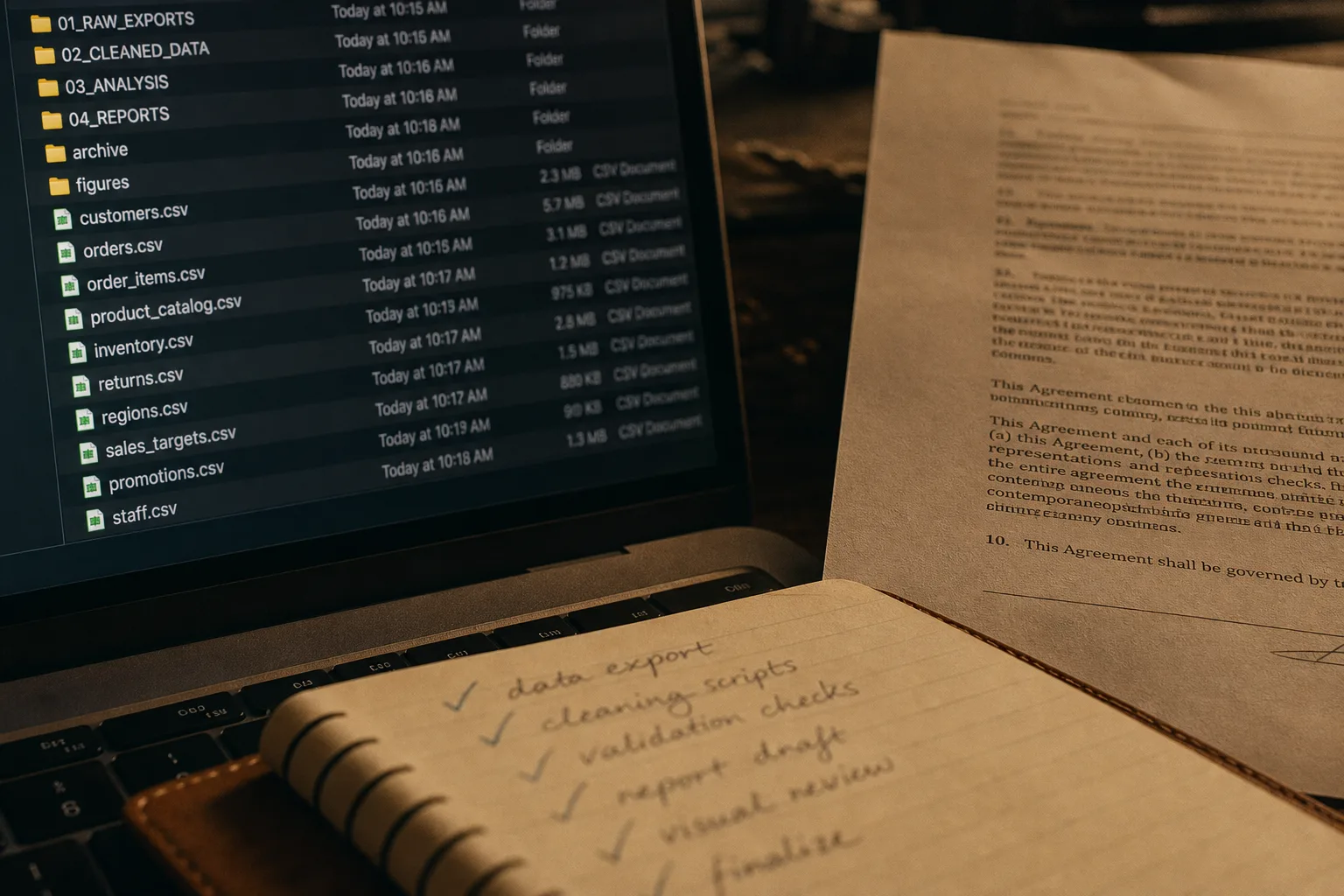
Export is rarely blocked outright. It is priced, throttled, or delivered in a shape you cannot use, and each of those has a different fix and a different bill.
The first time you try to leave a software vendor, you find out what you actually bought. Not the features you were sold, but the terms you agreed to about the records sitting inside the product. Most people discover this in the week they have already decided to switch, which is the worst week to discover it. The cost of getting out is not usually a line item on an invoice. It is spread across a support ticket, a contractor's hours, and a stretch of your own time reconciling files that came out in a format nobody designed for reading.
Export is almost never refused. It is shaped
Very few vendors will tell you flatly that you cannot have your data. What they will do is give you a version of it that is technically complete and practically useless. A CSV per table, with foreign keys instead of names. Attachments delivered as a folder of hashed filenames with no manifest tying them back to records. Images at display resolution rather than the originals you uploaded. Historical activity available only through an interface, one record at a time.
None of that is malice, and it helps to stop reading it that way. Export tooling generates no revenue, so it gets built once, to satisfy a contract clause, and then left alone. When you read a vendor's data portability language, read it as an engineer's estimate of the minimum, because that is what it is. The Federal Trade Commission oversees how companies represent their handling of customer data, and the language you see in a terms document is usually written with that audience in mind rather than with yours.
The question to ask a sales rep is not "can I export my data." It is: what exactly comes out, in what format, at what resolution, and can I see a sample export from a real account today.
The four things that drive the cost
Migration quotes vary wildly for the same nominal job, and the spread is almost always explained by these four variables. Ask any bidder to tell you where your job sits on each.
| Driver | Cheap end | Expensive end |
|---|---|---|
| Format | Documented API or clean CSV per object | Screen scraping, PDF reports, or a proprietary archive |
| Volume of media | Text records only | Thousands of photos, video, or scanned documents with metadata |
| Relationships | Flat lists that stand alone | Linked records, threaded history, custom fields, permissions |
| Cleanup on arrival | New system accepts the old shape | Field-by-field mapping and a manual reconciliation pass |
The first two you can assess yourself in an afternoon. The third and fourth are where a first-timer underestimates, usually by a factor of two or three. Nobody budgets for the week spent deciding what a field called status_2 meant in 2019.
Media is where a small job turns into a large one
Text is small and forgiving. Files are not. Anyone running an events business, a studio, or a venue has this problem in an acute form, because their product is images and the images live in a platform someone else runs.
Two questions matter more than any others here. Does the platform return original files or processed derivatives, and does it return the metadata that tells you which file belongs to which event, client, or date. A folder of ten thousand photos with no organizing information is not an archive. It is a future project.
This is worth checking before you commit, not after. A planner setting up Wedding Guest Photo Sharing with QR Code for a client's reception is generating a set of files that the couple will want in full resolution and that the planner may want as portfolio material years later, so it is fair to ask up front how those come back down and in what structure. Platforms that answer that question clearly, in writing, are telling you something useful about how they are built.
Run the export before you need it
The single most valuable thing a first-time switcher can do costs nothing and takes about two hours. Export now, while you are still a happy customer with an active account and working support access.
- Trigger a full export from the account settings. Note how long it takes and whether it completes without a support ticket.
- Open the archive on your own machine. Count the top-level folders. Look for a manifest, an index, or a readme.
- Pick five records you know well and trace them from end to end. Do the attachments resolve? Are the dates right? Did custom fields survive?
- Check file sizes on media against what you uploaded. A large gap means you are getting derivatives.
- Write down what is missing. That list is your migration scope, and it is what you hand to anyone quoting the work.
Do this once a quarter and store the results. It converts an unknown into a known, and it turns your eventual migration quote from a guess into an estimate against a documented scope.
What to fix in the contract instead
Everything above is cheaper to solve at signature than at departure. Three clauses are worth pushing on, and vendors grant them more often than people expect because granting them costs nothing today.
- A defined export format. Not "machine-readable." Name the formats and say originals for media.
- A post-termination window. Thirty days of read and export access after the contract ends, at no charge.
- A cap on assisted export fees. If the vendor charges for engineering time to produce a full extract, get the rate and the ceiling in writing now.
A vendor that agrees to all three has told you their export path works. That is a better signal about the product than most demos.
Treat portability as a specification you buy, in the same category as uptime and support response times. Priced that way, it stops being a surprise at the end of a relationship and becomes one more thing you checked before you signed.