A Password Setup Is Tested on an Ordinary Tuesday. What Separates Good From Barely Adequate
title:A Password Setup Is Tested on an Ordinary Tuesday. What Separates Good From Barely Adequateauthor:Beatrix Stapletonpublished:2026-10-22section:Innovationwords:1,256read:5 min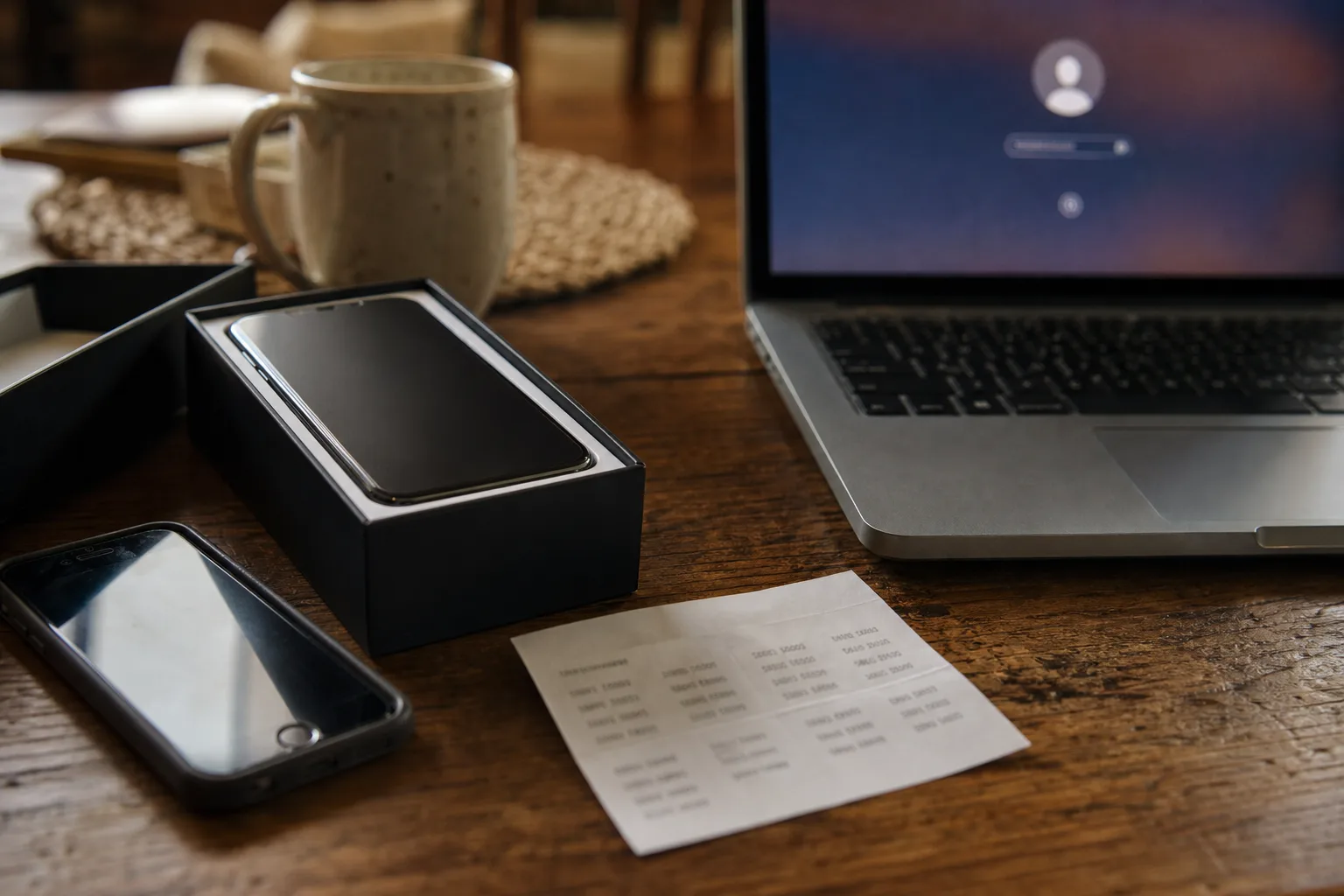
Most password systems fail on a normal weekday, not during an attack. The difference between a good setup and a passable one shows up in the week-to-week routine.
The moment your password arrangement gets graded is almost never dramatic. It is a Tuesday morning, the phone is new, the authenticator app came over empty, and the account you need is the payroll portal that pays nine people on Friday. Nobody is attacking you. You are simply locked out of your own money, and the person who decides how quickly you get back in is a support representative in a queue who has a script and a verification checklist.
That is the real test, and it is the one most households and small offices never run. A setup that survives a normal month of logins can still collapse the first time something routine changes: a replaced phone, a canceled cell line, a closed email address, an employee who leaves with the only copy of a shared credential. The gap between a good job and a barely adequate one is not visible in how strong the passwords are. It is visible in what happens the week something moves.
The ordinary week is mostly autofill, and that is the point
Count what actually happens in seven days. You log into perhaps four or five things repeatedly, and the manager or the browser fills them without you reading a character. You hit one account you use monthly, which prompts for a code. And roughly once a month, something goes sideways: a site forces a reset, a saved entry points at an old URL, a two-factor prompt arrives on a device you are not holding.
A good setup is designed around that distribution. The daily logins should be invisible, because friction there is what drives people back to reusing one password across everything. The monthly ones should be recoverable without panic. The annual disaster should have a written path out.
A barely adequate setup gets the first part right and nothing else. Credentials live in a browser profile, they fill reliably, and the owner reasonably concludes the problem is solved. It holds for a year or two. Then the laptop dies, or the browser profile is signed into a work account that gets deprovisioned, and every saved password goes with it. The passwords were fine. The container was a single point of failure nobody had looked at.
Who else is in the room when an account is reset
This is the part that rarely makes it into password advice, and it decides more outcomes than password length does. You are not the only person who can open your accounts. A phone carrier store employee can move your number to a new SIM, and that number is the second factor on a surprising number of financial logins. A bank's phone agent can verify you with knowledge questions and reset access. An email provider's automated recovery flow will make a judgment call based on device history and prior logins. A cloud provider's support desk will apply a documented hold period before transferring control.
Each of those people and systems is operating a checklist written by someone else. They are not evaluating whether you are secure. They are evaluating whether you cleared their bar. So the useful question about any important account is not how good the password is. It is: what is the weakest documented way someone else can grant entry, and have I closed it?
In practice, that means three concrete moves. Put a port-out PIN or account lock on the cell line, because text-message codes inherit the carrier's verification standard. Make sure the recovery email on your financial accounts is one you still control and that is itself protected with a hardware key or an app-based code rather than a text. And where a provider offers it, turn on the setting that requires a waiting period or a second confirmation before recovery contact details can be changed.
Password guidance in the United States largely traces back to the National Institute of Standards and Technology, which is responsible for the federal digital identity recommendations that most corporate and vendor policy is built on top of. The direction of travel there has been consistent: length and uniqueness over forced complexity, and recovery channels treated as part of the security design rather than an afterthought bolted on by a support team.
The three things a good setup does that a passable one skips
Strip away the arguments about which manager to use and the difference comes down to a short list.
An inventory that distinguishes tiers. Most people have somewhere between 80 and 300 accounts and treat them as one undifferentiated pile. A good setup separates the handful that are catastrophic if lost (primary email, the phone carrier account, the bank, the password manager itself, the business tax and payroll logins) from everything else. The catastrophic tier gets hardware keys or app-based codes, unique recovery addresses, and a written recovery path. The long tail gets a generated password and no further thought.
Recovery codes that exist somewhere the fire cannot reach. Nearly every service that offers two-factor also issues backup codes once, at setup, and almost nobody saves them. A good job prints them and puts them in the same place as the passport and the deed. A barely adequate job screenshots them into a photo library that is itself protected by the account being backed up.
A second person who can get in. For a household, that is a spouse or adult child with emergency access configured in the manager. For a two-person business, it is a documented handoff so the one who sets up the vendor accounts is not the only one who can reach them. This is the single most common failure in small offices and the one that costs the most to unwind after the fact.
What maintenance actually looks like across a year
The honest answer is that this is not a weekly chore. It is one well-spent hour at setup and roughly twenty minutes a quarter after that.
| Trigger | Barely adequate response | Good response |
|---|---|---|
| New phone | Hope the authenticator restored | Migrate codes before wiping the old device; verify one login per tier |
| Breach notice for a service you use | Change that one password | Change it, then search the vault for reuse of the same string anywhere |
| Employee or housemate leaves | Nothing, until something breaks | Rotate shared credentials; remove their device from trusted lists |
| Quarterly review | None | Check the manager's reuse and weak-password report; confirm recovery email and phone are current |
| Changing cell carriers | Port the number and move on | Re-apply the port-out lock; update any account using that number as a factor |
Notice what is absent from that list: scheduled rotation for its own sake. Changing a strong unique password every ninety days produces weaker passwords and more reuse, which is why that requirement was dropped from the guidance it originally came from. The modern trigger for a change is an event, not a calendar.
The test you can run this week
Pick your primary email account and ask what would happen if your phone were gone and your laptop were gone. Walk the recovery flow as far as it lets you without completing it. Most people discover one of two things: either the path runs through a phone number they no longer have, or it runs through a backup email they have not opened since 2019.
Fix that one account and you have raised your floor more than any amount of password-strength tinkering would. Then do the carrier account, then the bank. Three accounts, maybe forty minutes, and the ordinary Tuesday stops being a risk.